Hi everyone!
If you want to try out the playtest, you still have time to do so until Monday, 1st June.
I will then deactivate and reset the playtest, meaning all playtest participants will lose access after Monday.

Hi everyone!
If you want to try out the playtest, you still have time to do so until Monday, 1st June.
I will then deactivate and reset the playtest, meaning all playtest participants will lose access after Monday.
Hi everyone!
First of all, sorry for the long waiting time since the last update. Due to private issues it took me longer than expected to complete the next iteration of the game.
However, it is done now and a few great features have been added:
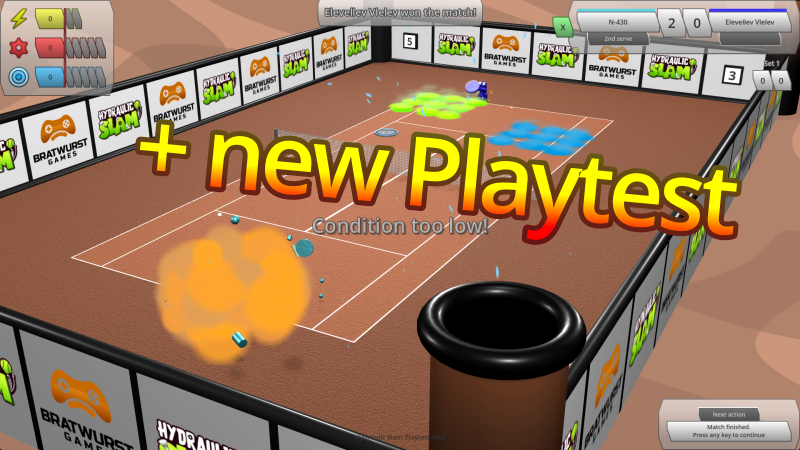
Hi everyone!
The first playtest is now closed, thank you for your feedback!
Quick overview of the latest features that have been added to the playtest:
Stay tuned for more improvements and another playtest coming soon!
Hi everyone!
I made some good progress in the last few weeks.
[TL:DR Everything is nicer, smoother, more juicy now. The game has some new features too. And you can sign up for a playtest!]
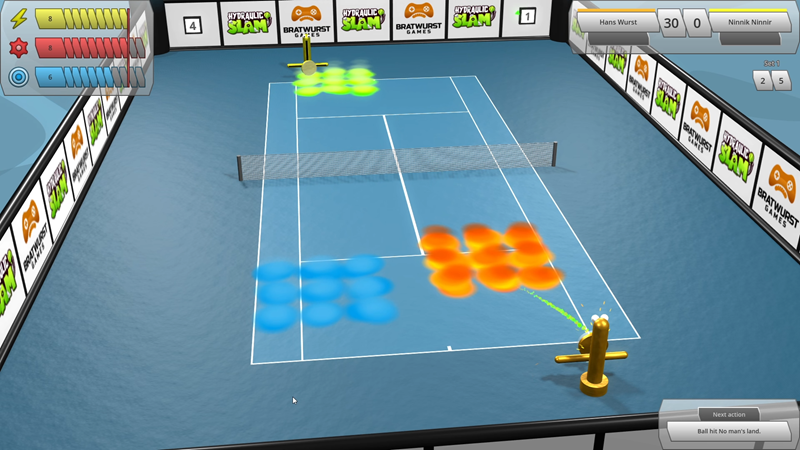
Apart from that, you now have the possibility to sign up for the first Hydraulic Slam Playtest, just in time for Steam Sports Fest!
[Note to self: Next time, maybe post smaller updates more frequently instead of a huge one like this after a whole 2 months…]
Hi everyone!
As the game takes shape more and more, I liked its name less and less, so I decided to change it from something that just describes the base setting of the game without provoking much fantasy or excitement, to something that indicates that this game might actually be fun.
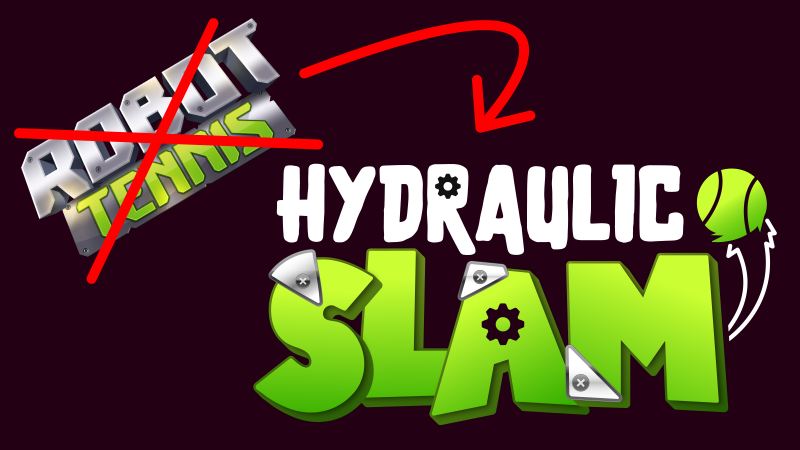
Also, this was a good opportunity to get a new, more professional logo and capsule artwork.
With this in mind, let the Hydraulic Slam begin (soon)!
Hi everyone!
I have added some particle effects to make the game look more exciting:
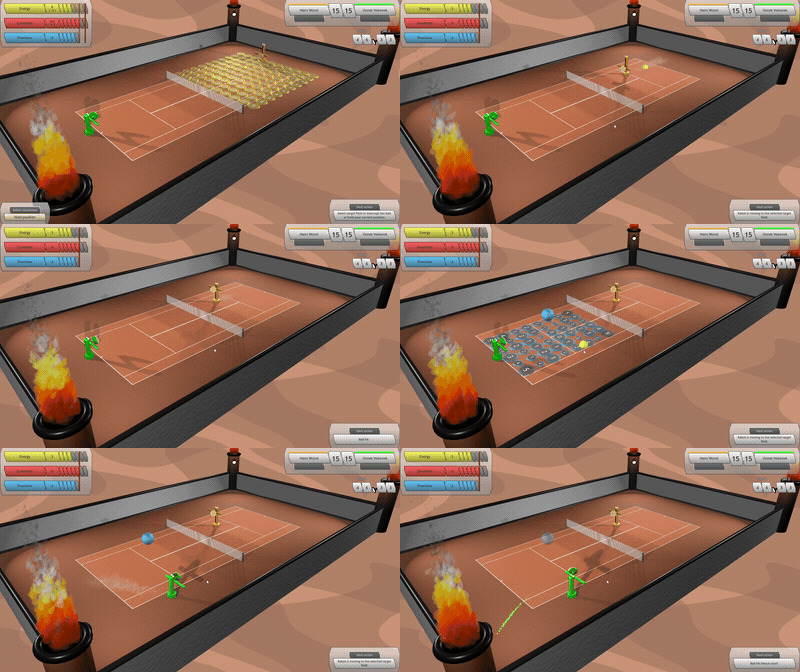
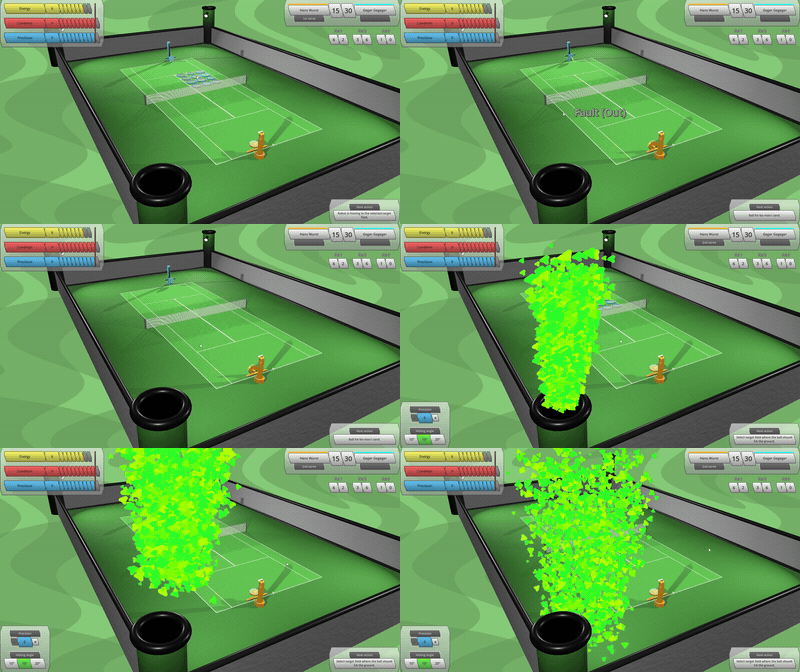
(Bonus feature: The pillars also contain spot lights which create more realistic shadows on the net and robots.)
Hi everyone!
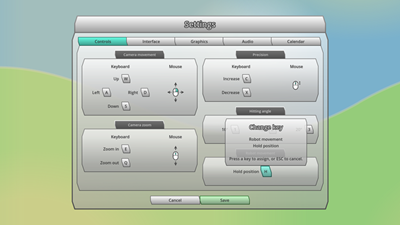
Exciting news: Robot Tennis finally has a proper Settings menu!
Initially, it was just a very simple kind of dummy screen with a couple of options to choose from. Now it is composed of 5 separate tabs for Controls, Interface, Graphics, Audio and Calendar settings.
The most development effort has been put in the Controls tab, where the player can now individually adjust all relevant in-game keyboard controls.
When clicking the “Save” button, any changes of settings are applied and saved to the local user config file. Once the game is started the next time, individual settings are loaded from the local user config file and applied automatically.
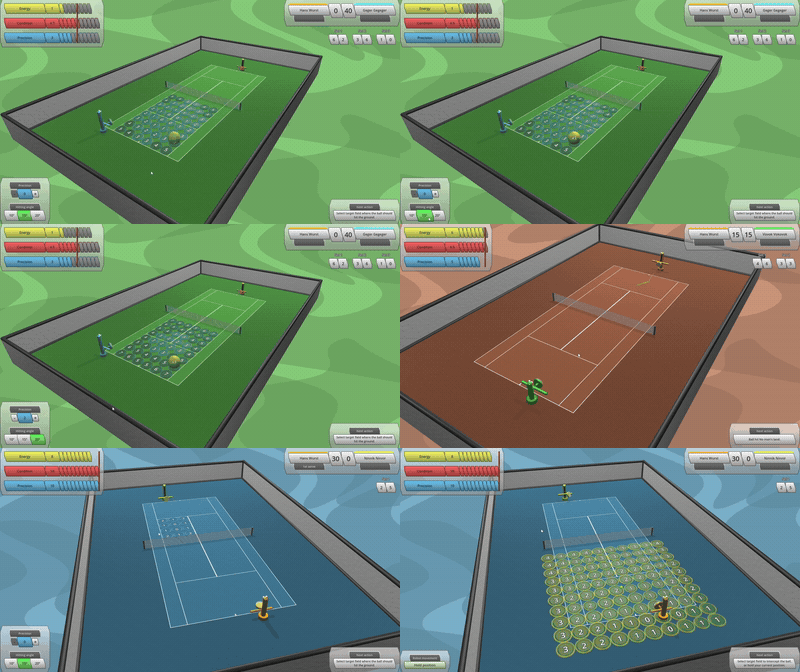
Apart from that, I updated and extended the “demonstration scene”. This is a separate, static scene in the game which is by default invisible but can be activated manually via code when debugging and is supposed to be used for demonstration purposes only (as the name suggests).
It shows a tennis court from a certain camera angle and with a certain composition of tennis robots, target fields and/or bonus bubbles. The demonstration scene has been part of the game for quite a while but it was poorly maintained and not easily configurable so far.
I made a few improvements to that scene, so that it can be used much easier and in a more flexible way to create assets like background images for the Steam Page or character art for the Press Kit etc.
Hi everyone!
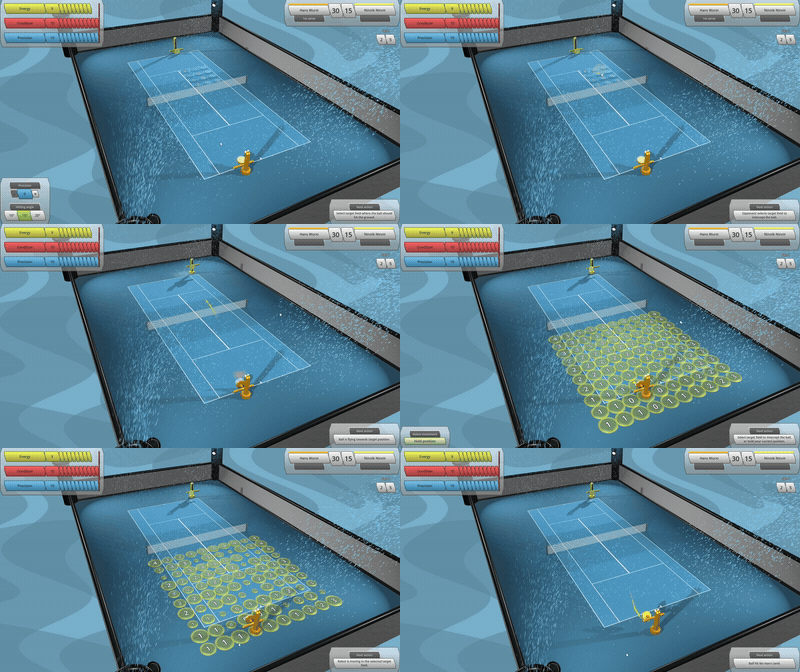
Over the last couple of weeks I experimented a bit with shaders, and ended up with some nice, gently moving and not too distracting backgrounds that float behind the tennis courts. Each court type (clay, grass and hard court) now has its own floating background, matching the colour of that court surface.
In addition to that, I implemented mouse-over animations for all buttons in the game (except for input fields and buttons that open drop-down menus). Hovering over a button is now more enjoyable, as it not only changes colour but also increases in size once the cursor touches it.
Other improvements:
Hi everyone!
Quick update on the latest progress of Robot Tennis:
I didn’t like how the target fields just suddenly appeared on the court out of nowhere at the start of each player turn, and again suddenly disappeared at the end of the turn. It looked a bit cheap.
Hence I added some animation for each target field to smoothly expand onto the court when the player turn starts, and smoothly shrink back into the court once the player selected one of them (or decided to hold the robot position).
Old:
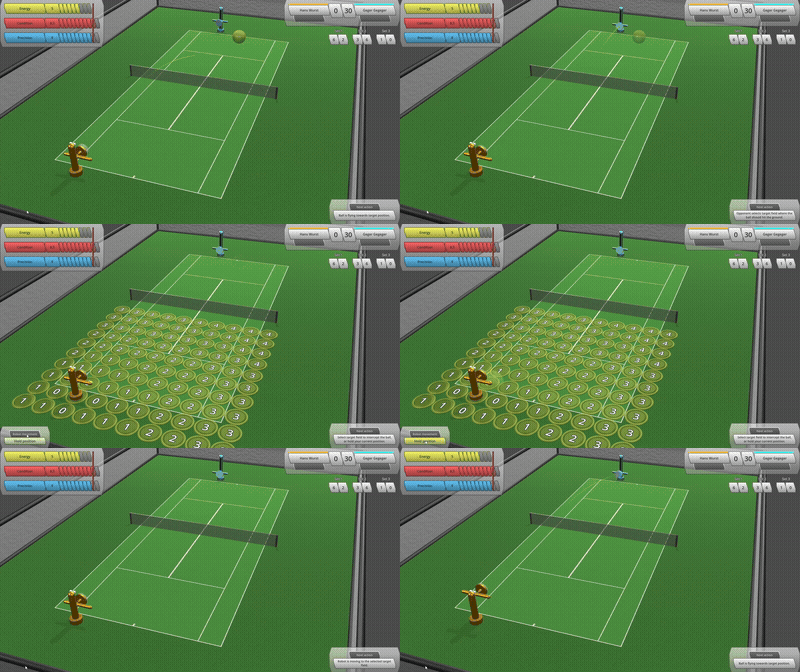
New:
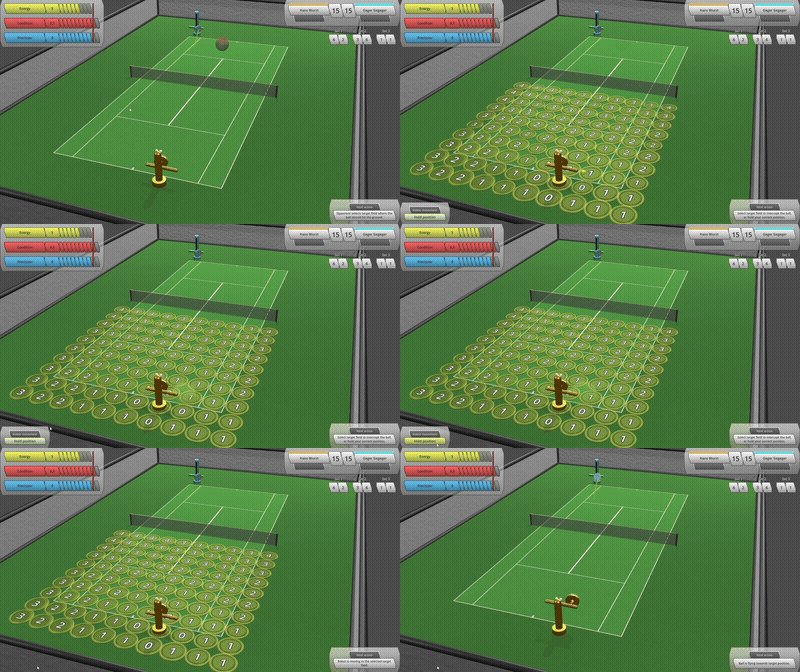
It is now much more fun to click on a target field, especially with that little random animation delay for each field and when the field size “overshoots” a bit at the end.
Hurray! The Steam store page for Robot Tennis is now officially published!
Have a look at this beautiful white/grey button down here, and try it out: